
In the world of printing—whether it's for home use, business offices, or industrial production—the inkjet printhead is the heart of the printer. Whether you're operating a DTF printer, UV printer, or a wide-format digital inkjet machine, the final print quality and system longevity largely depend on the condition of the printhead.
But why do printheads fail? What are the differences between various printhead types? And how can you extend their lifespan? This comprehensive guide examines the primary causes of inkjet printhead failure and provides practical advice for printhead maintenance, enabling you to make informed decisions while saving time, money, and hassle.
Think of a printer as an orchestra, and the printhead as the lead performer. Without it, the entire system falls out of harmony. The printhead's job is highly precise: it controls the ejection of ink droplets onto the substrate (such as paper, fabric, or film), ensuring every dot of ink lands exactly where it should. Even a minor issue, such as nozzle clogging or droplet misalignment, can ruin an entire batch of prints.
For businesses, a failed printhead isn't just an inconvenience. It can result in missed deadlines, wasted materials, and lost client trust. For home users, it leads to reprints and unnecessary replacement costs. Therefore, understanding how the printhead works, its risks, and how to properly maintain it is key to efficient, low-cost printing.
Most printhead failures stem from improper maintenance, incorrect usage, or unfavorable environmental conditions. Below are the most common culprits—and how to avoid them:
Microscopic dust particles (often >1 micron) are silent killers. Once they enter the ink system or cartridge, they can permanently block nozzles, which are difficult to clean with standard solutions.
Prevention:
Operate in a clean, dust-free workspace. Maintain ideal temperature and humidity levels, regularly wipe down the printer's exterior, and consider using air filtration systems when necessary.
Not all inks are created equal. Generic or third-party inks not certified by your printer manufacturer can cause chemical reactions: ink may dry inside the nozzle, form clogs, or contain heavy metals and salts that corrode the nozzles over time.
Prevention:
Always use OEM-recommended ink or high-quality compatible ink formulated for your specific printhead. These options reduce wear and chemical damage.
Some users mistakenly use tap water, isopropyl alcohol, or ammonia to clean printheads. These harsh solvents can permanently damage nozzle components and internal electronics.
Prevention:
Use manufacturer-approved cleaning solutions designed for your printhead type. They clean effectively without causing damage.
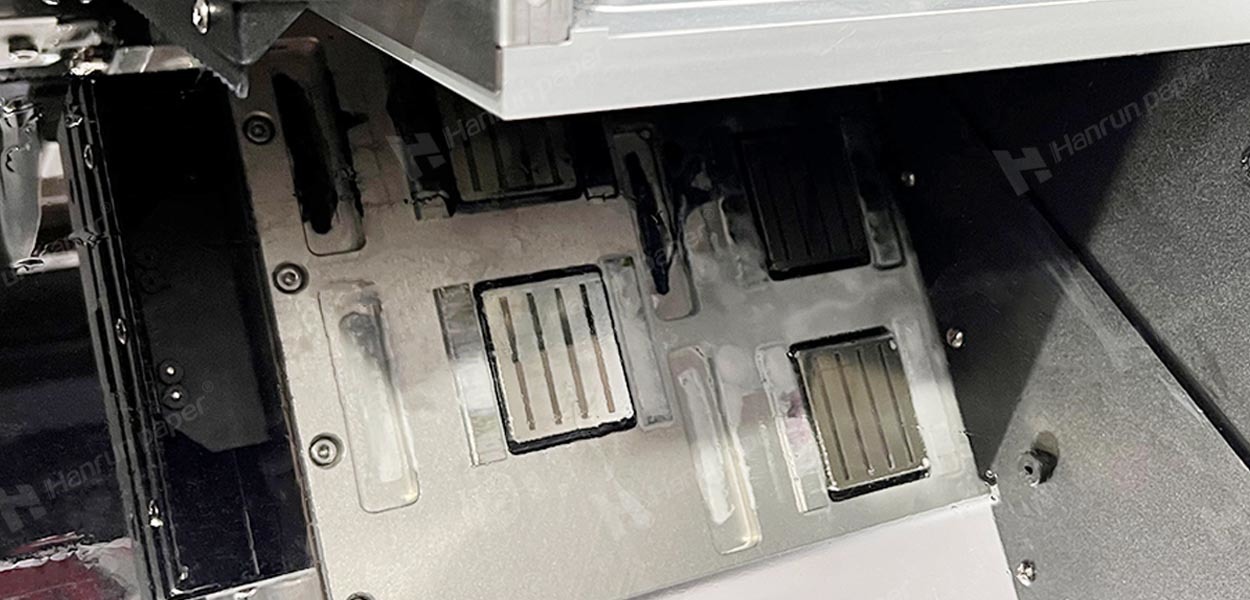
Curled, wrinkled, or damp substrates may contact the printhead and damage its delicate resistors or electronics.
Prevention:
Always ensure substrates are flat, dry, and properly aligned before printing. Handle media with care to avoid head strikes.
Printheads need regular use. Leaving a printer idle for weeks can cause ink to dry inside the nozzles, leading to clogs and performance issues.
Prevention:
Print a test page weekly and run the printer's automatic cleaning cycle. If storing the printer for a long time, follow the manufacturer's guide to empty or seal the ink system.
The ink system includes filters, dampers, wiper blades, and capping stations. If these components are dirty or worn, debris can reach the printhead.
Prevention:
Replace filters and dampers regularly. Clean the wiper blade and capping station according to your printer's manual.
Inks and printers operate best within a specific “comfort zone.” Recommended ink storage temperatures are 10–35°C; optimal printer operation is at 15–25°C. Humidity and heat sources like dryers can negatively affect performance.
Prevention:
Use a thermo-hygrometer to monitor conditions. Avoid placing printers near open windows or heaters.
Different types of inkjet printheads operate based on distinct technologies. Understanding these differences can help you choose the right equipment based on speed, precision, and ink compatibility.
Piezo printheads use crystals that bend when electrically charged, pushing ink out of the nozzle.
Advantages:
Leading brands: Epson, Fujifilm Dimatix, Konica Minolta.
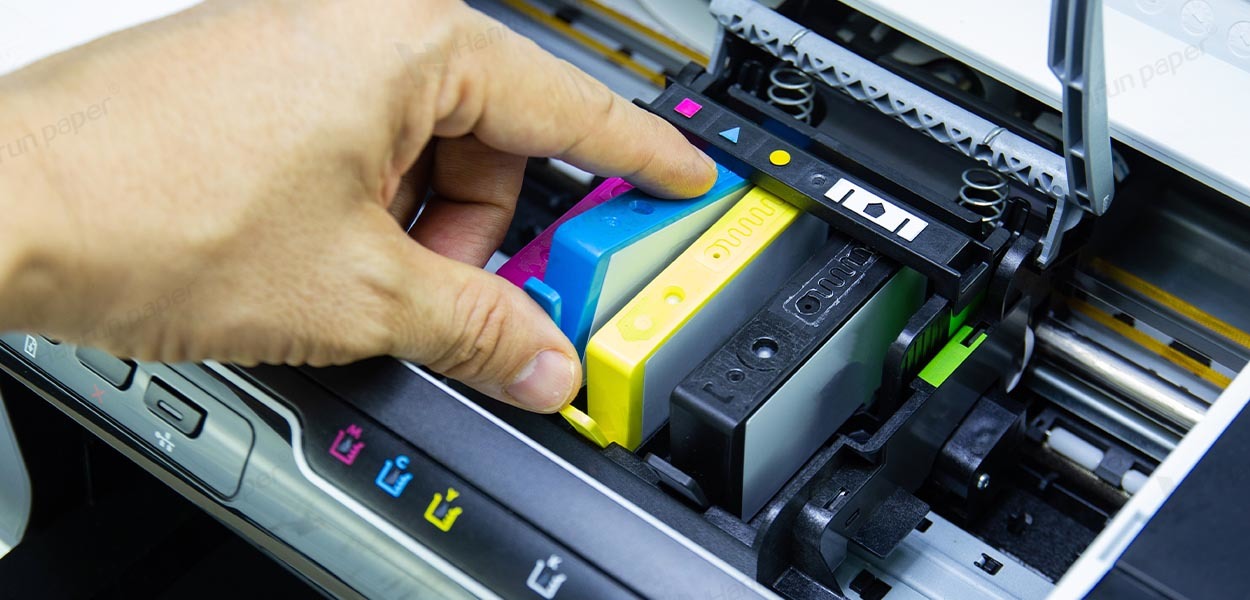
These use heat to create a vapor bubble that propels ink droplets.
Advantages:
Limitations:
Main manufacturers: HP, Canon.
Q: What is the typical lifespan of an inkjet printhead?
A: It depends on usage and maintenance. Piezo printheads can last 1–3 years with proper care. Thermal printheads may need replacement every 6–12 months.
Q: Can a clogged printhead be fixed?
A: Sometimes. Try using the OEM cleaning solution first. If the clog is severe (caused by dried ink or debris), it may require professional service or replacement.
Q: Are laser printers better than inkjet printers in terms of printhead issues?
A: Laser printers don't use printheads; they rely on toner and laser imaging. Inkjet printers offer superior color accuracy and media versatility, while laser printers are optimized for high-volume monochrome jobs.
Q: What's the most common mistake users make with printheads?
A: Using non-original ink. It's the leading cause of clogging, corrosion, and premature printhead failure.
Understanding the causes of inkjet printhead failure is the first step to reducing downtime and improving print quality. By:
You can extend the life of your printhead, boost printing stability, and keep your business running smoothly.

